


Not sure what an MCP server is or how it’s used? Check out my explainer here.
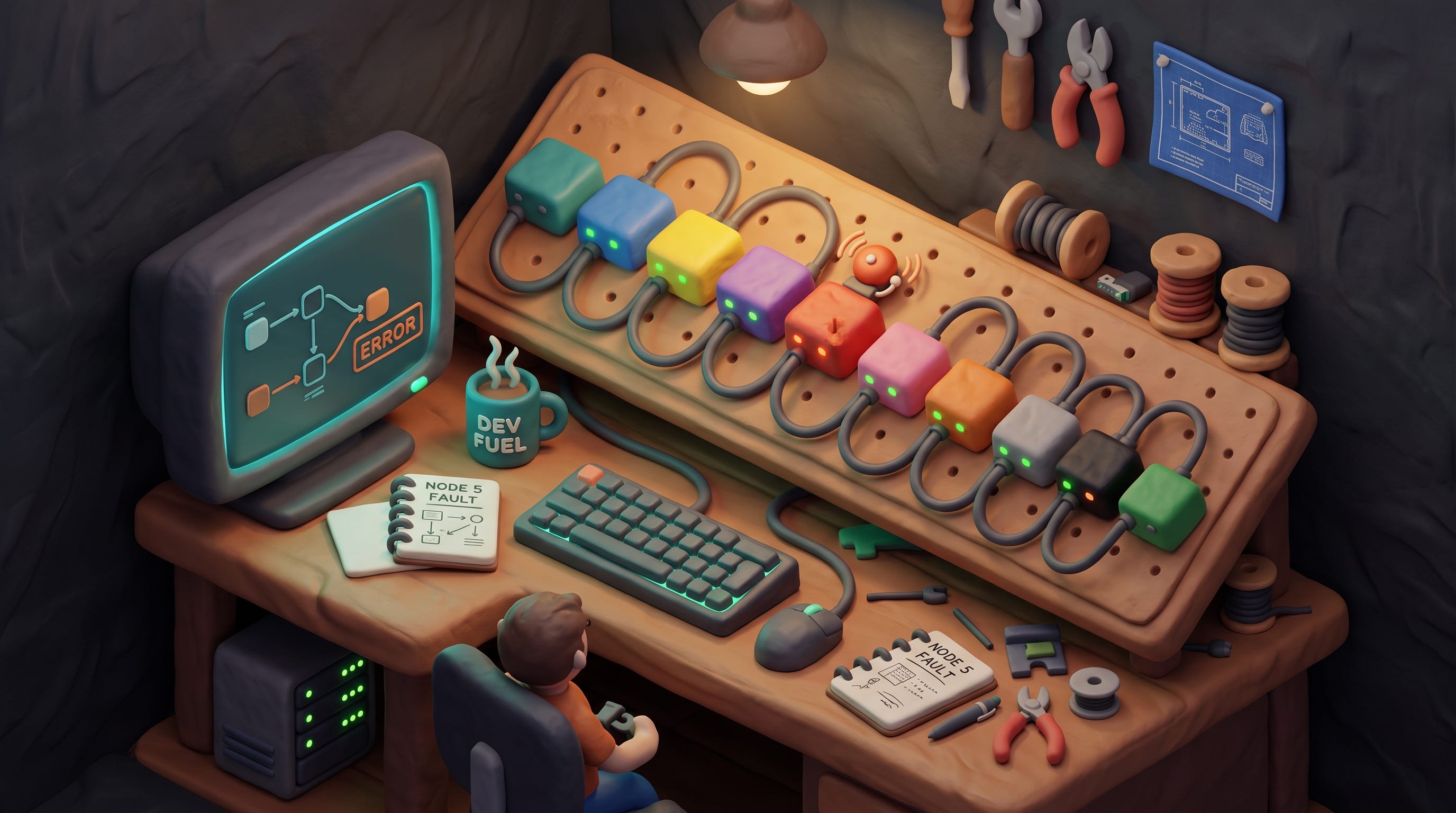
n8n is workflow automation you host yourself. If you’ve used Zapier or Make, it’s that shape — when this happens, do that — except it runs on your own server, there’s no per-task meter, and your data stays in your account. Mine lives in a container on a small rented machine.
Its MCP server changes how you build with it, and that’s the reason it’s on this list. I describe what I want the automation to do and it gets built for me: the actual workflow, in my instance, ready to run.
Here’s the difference that makes. Building in a drag-and-drop editor is pleasant for five boxes and grim for thirty, but the slow part was never the dragging. It was having twelve documentation tabs open to work out what each box wants in each field. n8n ships hundreds of integrations, each with its own settings and its own opinions about which field is required when. The MCP server can look those up, so what gets built is wired against the real configuration rather than a plausible guess at it. Then it validates the whole thing before anything goes live.
Yesterday I said, roughly: when that scrape finishes, check the request is genuinely mine, pull the results, format them as a short summary and send it to Telegram. Five steps, one of them real code. I got a working workflow inside the conversation, and every automation since has been a ten-minute variation on it. The formatting step is the bit I’d flag if you’re weighing this up — dictating what you want a code step to output, and having it written correctly in place, is a different activity from typing JavaScript into a small box in a browser.
One thing to watch, because it cost me an afternoon. I created a credential — an API key for another service — by posting it to n8n’s own API. Clean success, valid ID returned. When I opened that credential in the interface, the key field was empty. You can’t catch that by asking the API either, because n8n deliberately won’t return credential contents when you read one back. Good security, unverifiable write. The only proof is a test execution: run one step that uses the credential and watch it authenticate or fail.
Making it repeatable
The one-off ask is the whole point of this one:
Build me a workflow: when that scrape finishes, verify the request is mine, fetch the results, format them as a short summary and send it to Telegram. Validate it before you activate it.
The standing version lives in a skill — a text file of instructions the assistant reads when the job comes up, in plain English rather than code:
When building or changing a workflow:
- Look up the real node configuration before wiring anything.
  Never guess field names.
- Validate the whole workflow before activating it.
- After creating a credential, run a test execution. The API
  returns success even when the key didn't save.
- Attach the global error handler to everything, so failures
  reach me instead of going quiet.
- Tell me what you changed and which executions have passed
  since.
The third line is the expensive one, written down so it never bills me again. The fourth is the one people leave out and regret: an automation that fails silently is worse than no automation, because you carry on believing it’s working.
Since I self-host, I’m also the operations department, which produced one more lesson worth passing on. My automation server was backing itself up faithfully every night — onto itself. A backup that lives on the machine it protects dies with the machine. It now pushes to a box in a different building, and I proved that by breaking it deliberately three ways before trusting it, then pulling a backup down and confirming the database dump was complete.
n8n is free to self-host, or they’ll host it for you. Either way, add the MCP server before you build anything complicated.
The pipe that runs my morning scrapes was described out loud, validated before it went live, and has fired every three hours since. I opened the editor once after that, to read a value back out of it.