

The One File That Teaches It Everything
A single text file, read before every session, that turns a generic assistant into one that knows your setup. Mine also went quietly wrong for two months, which is the more useful half of this post.

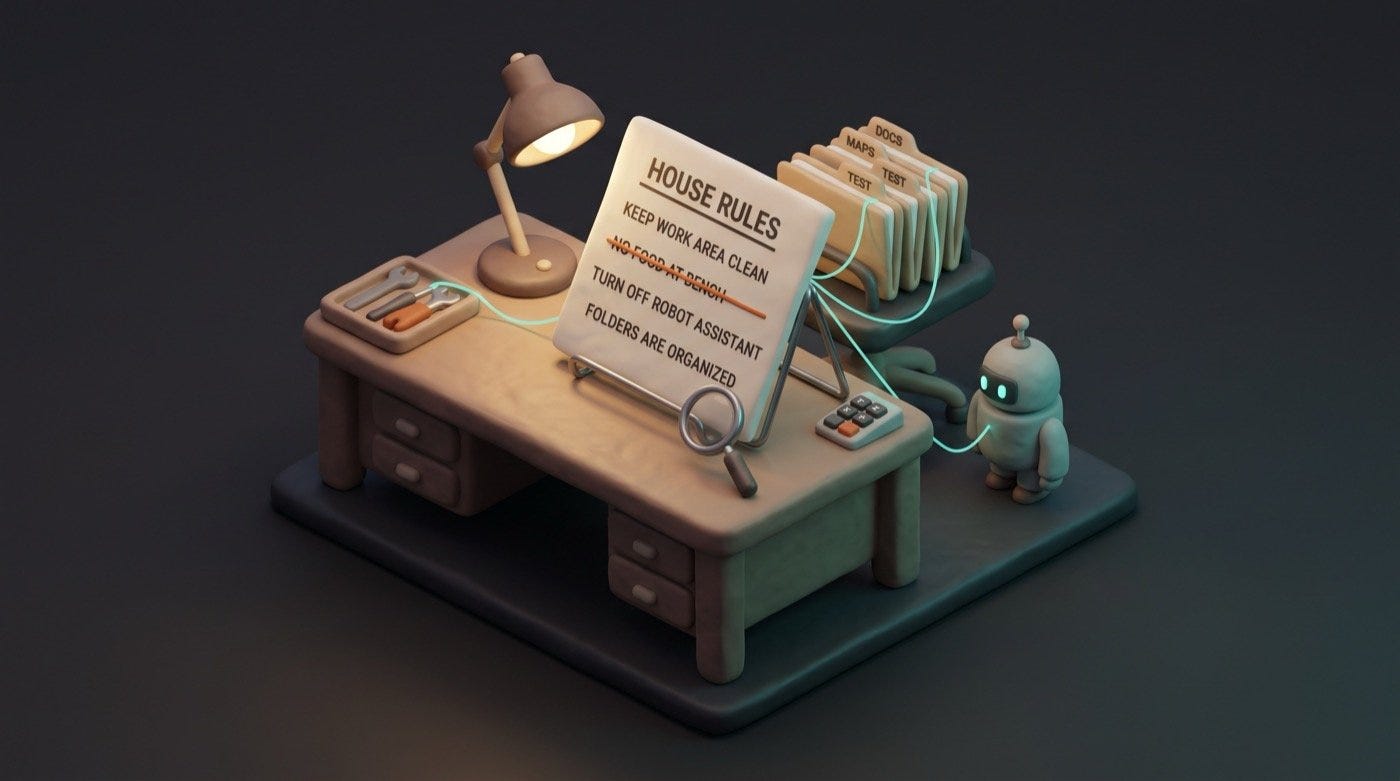
Third in Start Here. You have the tools and the folders; this is the file that ties them together.
Every new session starts with no memory of the last one. That’s the thing people find hardest to believe and quickest to be annoyed by. You explain your setup on Monday, and on Tuesday you explain it again. Like hiring someone new every morning and handing them an empty desk.
There’s a fix, and it’s one file.
Claude Code looks for a file called CLAUDE.md in the folder you start it in, which here is your Obsidian vault. It reads that file before anything else: before it looks at your notes, before it answers your first message. Whatever is in there, it knows. So you write down in plain English what the vault is for, how it’s arranged, what you’re working on, and how you like to be dealt with.
Without it, you get a generic assistant. Helpful, and you’ll spend half your time supplying context that should already be there. With it, the thing arrives already knowing that captures go in Inbox and that “today” means today’s daily note.
What goes in it
Make CLAUDE.md at the top level of your vault, next to the folders. Mine started at about this size:
# CLAUDE.md

## What this vault is
My personal notes and project system, in Obsidian. Plain
markdown files.

## Structure
- Inbox/ — quick capture, sorted later
- Projects/ — active work with an end state
- Areas/ — ongoing responsibilities
- Resources/ — reference material
- Archive/ — finished, kept not deleted
- Daily/ — one note per day, YYYY-MM-DD.md

## How I work
- When I capture something in passing, put it in Inbox.
- New project means a folder in Projects, not a loose note.
- When I say "today", read today's daily note first.

## What I'm working on
- [two or three real things, kept current]

## Preferences
- Short answers. Plain words, no corporate register.
- If you don't know where something goes, ask.
- If you can't find something, say so rather than guessing.
What makes this work is that it says what the folders are for. “Inbox — quick capture, sorted later” tells an assistant how to behave. A bare list of folder names tells it nothing it couldn’t have guessed by looking.
The part where mine went wrong
I’d been running this file for months and it had grown. At some point I’d copied a block of “the most important rules” into it by hand from another file, so that both places had them.
That copy rotted. For over two months it named a helper that had been retired and no longer existed, while leaving out seven that did. It also credited a rule to a file that had never contained it. None of it announced itself. The file was accurate the day I wrote it and went wrong quietly when the setup moved on. A stale instruction reads exactly like a live one. Nothing on the page distinguishes a rule that is true from a rule that was true in May.
The fix wasn’t more diligence. It was to stop keeping two copies. The file now points at the detail rather than repeating it, so there’s one place to change when something moves.
Which gives you two rules I’d hand anyone starting theirs today. Write instructions that describe how you want the thing to behave, because those age slowly. Be very careful with instructions that list what exists — names of folders, tools, files, people — because those age fast and rot silently.
Making it repeatable
Once the file is doing real work, it needs a habit attached, and this is the whole maintenance routine:
About this instruction file:
- When we agree a new convention, add it here before we move on.
- When I retire or rename something, search this file for it
  and fix or remove the line.
- Never copy a rule from another file into this one. Link to
  where it lives instead.
- Every month, read this file back to me and flag anything that
  no longer matches what you can actually see in the vault.
That last line would have caught my two-month-old error, and it costs nothing. The assistant can see the real folders and the real tools, which puts it in a better position than me to notice that the file describes something now gone. Ask it to check its own instructions against reality, on a schedule.
Mine is a few hundred lines now, and every line arrived because something went wrong once. That’s the honest way these grow — not designed up front, but accumulated one correction at a time.
That’s Start Here. Tools installed, folders shaped, instructions written. From here on, everything in this publication is a layer on top of those three things.